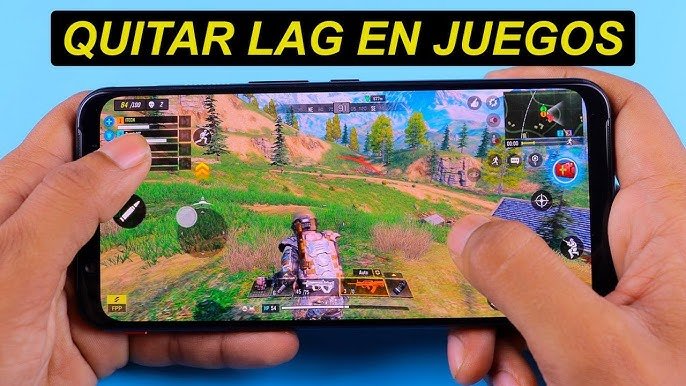
Lag is one of the most frustrating problems for any online gamer. It manifests as delayed movements, shots that don’t register in time, or characters that seem to “teleport.” In 2025, with increasingly demanding and competitive games, reducing lag is essential for a smooth experience.
🎯 What is Lag?
Lag occurs when there is a delay between the action you perform on your device and the response from the game server.
- Network lag: caused by a slow or unstable connection.
- Hardware lag: caused by a device that cannot handle the game’s graphics or processes.
- Server lag: when the game server is overloaded or too far from your location.
🔧 Solutions to Reduce Network Lag
- Use a wired connection (Ethernet): much more stable than Wi-Fi, avoids interference, and reduces latency.
- 5 GHz Wi-Fi: If you can’t use a cable, connect your device to the 5 GHz band for faster speeds.
- Close background apps: Streaming, downloads, and video calls consume bandwidth and increase lag.
- Restart your router regularly: Clearing the cache improves connection stability.
- Choose nearby servers: Playing on servers in your region reduces latency.
⚙️ Device Optimization
- Update drivers and operating system: Keeping your PC or mobile device up to date improves game compatibility.
- Enable game mode: On both Windows and mobile devices, this prioritizes resources for gaming.
- Reduce graphics quality: If your device isn’t very powerful, lower the resolution or disable shadows and effects.
- Keep your device cool: Overheating can cause performance drops. Use external fans or play in cool environments.
🌍 Using VPNs and Smart Routing
- Gaming-optimized VPNs: Services like ExitLag or NoPing redirect your connection through faster routes.
- Avoid free VPNs: They often increase lag instead of reducing it.
- Try different servers: Some games allow you to manually change the region to find the most stable one.
📱 Mobile Tips
- Close background apps: WhatsApp, YouTube, and Instagram consume data and memory.
- Only use mobile data if it’s stable: A strong 4G/5G network can be better than congested Wi-Fi.
- Activate performance mode: Many gaming phones include special settings to optimize FPS and reduce lag.
🚀 Advanced Strategies
- Configure QoS on your router: Prioritize game traffic over other applications.
- Avoid peak hours: Playing during off-peak times improves stability.
- Monitor your ping and jitter: Tools like PingPlotter or Speedtest help identify problems on your network.
- Invest in a good ISP: Sometimes the problem isn’t your device, but your internet provider.
⚠️ Risks and Considerations
- Outdated hardware: An older PC or mobile device can limit your performance even if you have a good connection.
- Overburdened ISP: If your provider has infrastructure problems, lag will persist.
- Online scams: Avoid “miracle” programs that promise to eliminate lag; many are fake or unsafe.
🎮 Conclusion
Improving lag in online games requires a combination of a good connection, device optimization, and choosing suitable servers. With these adjustments, you can enjoy faster, smoother, and more competitive matches, without lag ruining your experience.
👉 In short, lag doesn’t have to be an obstacle: with the right tools and practices, you can minimize it and play like a true professional.